
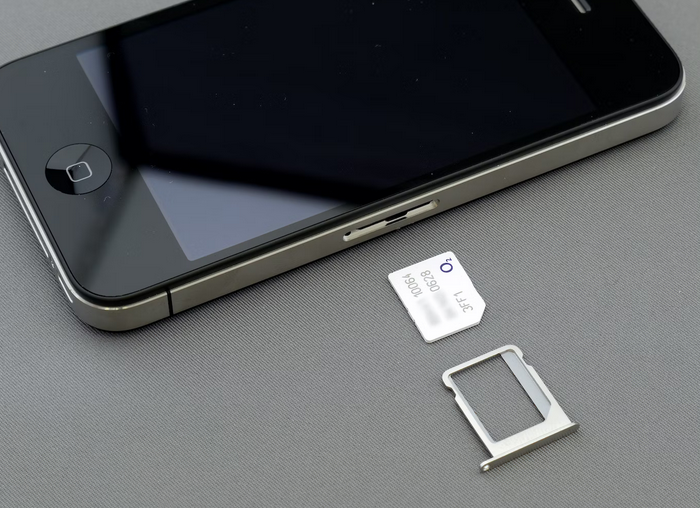
Are you experiencing trouble with your eSIM on your iPhone? Frustrating, isn’t it? This is especially true if you keep wondering what is esim card and how it works. But fret not, because we’re here to help. In this blog post, we’ll walk you through some troubleshooting tips to fix all the issues of eSIM not working on your iPhone. Whether you’re a tech-savvy individual or just someone looking for a quick solution, we’ve got you covered.
Make Sure the eSIM Is Activated

First thing first, ensure that the eSIM is activated. It may seem obvious, but sometimes we overlook the simplest things. So let’s double-check. To do this, go to your iPhone settings and navigate to “Cellular” or “Mobile Data.” Look for the option labeled “Add Cellular Plan.” If you see this option, then congratulations! Your eSIM is already activated. However, if you don’t see the option mentioned above, it means your eSIM isn’t activated yet. Don’t worry; there’s an easy fix for that too. Simply contact your mobile network provider and request them to activate your eSIM. They will guide you through the process and have it up and running in no time.
Toggle on and off the eSIM in the Setting
This simple action can often help resolve any software glitches or connectivity problems. To do this, go to your iPhone’s settings and tap on “Cellular”. From there, select “Cellular Plans” or “Data Options,” depending on your iOS version. You should see an option for your eSIM card. Next, simply toggle off the switch next to the eSIM option. Wait a few seconds, then toggle it back on again. This will essentially reset the connection between your device and the eSIM. After toggling it off and on, check if your eSIM is now working properly. If not, move on to other troubleshooting steps listed in this article.
Deactivate Your VPN
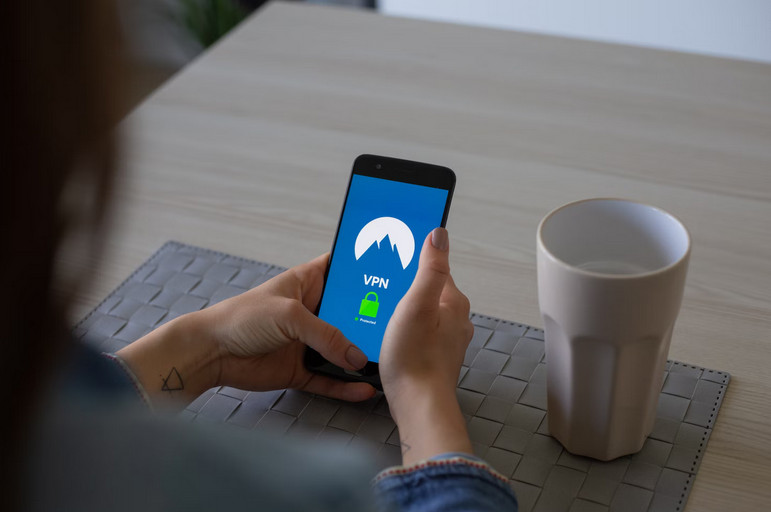
Virtual Private Networks (VPNs) can provide enhanced security and privacy. However, note that they can also interfere with the functioning of certain features on your device. To troubleshoot this issue, try deactivating your VPN temporarily. Go to Settings on your iPhone, then select General and VPN. Toggle off the switch next to the active VPN connection you have set up. Once you have disabled the VPN, restart your device and check if the eSIM is now functioning properly. If it is working fine without the VPN enabled, then there might be a compatibility issue between the two. Remember to re-enable your VPN after troubleshooting this problem if you rely on it for online security or accessing restricted content.
Disable the Limit IP Address Tracking
This feature helps limit the tracking of your device’s IP address, but it can sometimes interfere with the functionality of the eSIM. So, try disabling this feature. Simply go to Settings on your iPhone and tap on Privacy. From there, select Location Services and scroll down until you find System Services. Tap on that option and look for a setting called “Limit Ad Tracking.” Toggle off this option by tapping on it.
Bonus: Contact Apple Support
If you have tried all the tips above and are still experiencing issues with your eSIM on your iPhone, it may be time to seek assistance from Apple Support. Their team of experts is well-equipped to help you diagnose and resolve any underlying problems that may be causing the eSIM not working.
Contacting Apple Support can provide you with personalized guidance tailored to your specific situation. They will be able to offer more in-depth troubleshooting and potentially suggest advanced solutions or even arrange for a repair if necessary.…


 The advantages