
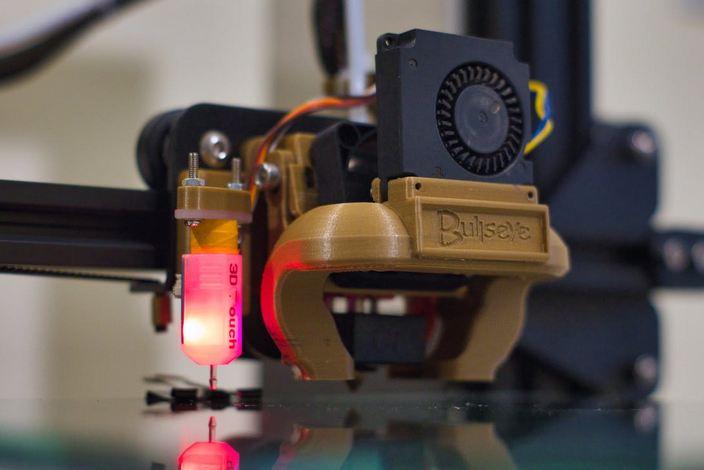
Nowadays, 3D printing has become the world’s phenomenon, as any industry can reap the benefits of this tech. It’s even more possible as 3d printing prices are getting lower and lower. However, printing 3D objects need software to design. 3D modeling software is a program that allows you to create or design three-dimensional objects. There are many different software programs available, each with pros and cons. This blog post will discuss the best 3D modeling software for beginners. We will explain the features of each program and give you some tips on how to use them. Let’s get started.
BlocksCAD
 The first on the list is BlocksCAD. This software is meant for educational purposes, and it is very user-friendly. Even if you are new to CAD, you will be able to use this software with ease. BlocksCAD has a very intuitive interface which makes it easy to use. One of the best features of this software is that it comes with a library of pre-made shapes. This means that you can quickly create objects without starting from scratch. BlocksCAD is also great for collaborating with others as it has a built-in chat feature. With only $7.50 per year for students, this software is available for free, and it runs on Windows, macOS, and Linux.
Morphi
Next up, we have Morphi. Unlike BlocksCAD, Morphi is not meant for educational purposes. This software is geared toward professionals who want to create complex objects. But don’t get wrong. This software is still beginner-friendly. It’s as it has a very user-friendly interface, and it comes with a wide range of features. One of the best things about this software is that it can be used on smartphones and tablets. This means that you can design objects on the go. Morphi is available for a subscription fee of $9.99 per device.
TinkerCAD
 Last but not least, we have TinkerCAD. Autodesk owns this software, and it is one of the most popular CAD programs on the market. TinkerCAD is an excellent choice for beginners as it has a very user-friendly interface. It is also great for those who want to create simple objects. One of the best things about this software is that it is free to use. As the main feature of this software is the concept of block-building, it is perfect for beginners. TinkerCAD runs on Windows, macOS, and Linux.
Now that you know the best three software programs for beginners, it’s time to get started to become a CAD master. Choose the software that you think is best for you and start creating. We are sure that you will be able to create amazing things in no time. Consider following some online tutorials to get started. And don’t forget to have fun. Creating should be enjoyable. Otherwise, what’s the point?