
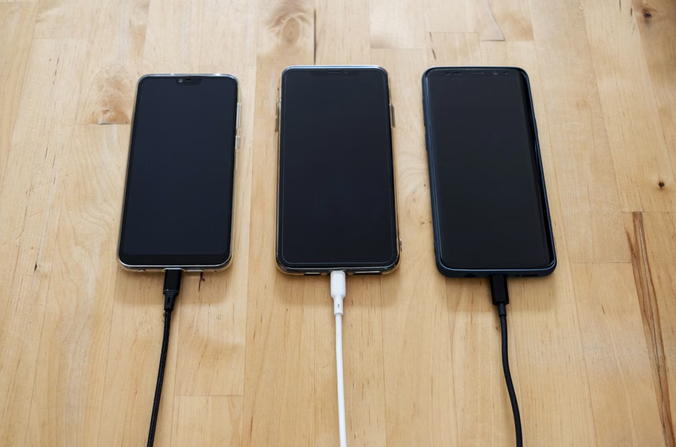
Charging a phone usually feels harmless. Connect a cable, plug in an adapter, and wait for the battery to fill. Yet some charging accessories can create security concerns because modern USB connections can do more than transfer electrical power. Depending on the device, port, cable, and connected equipment, USB can also carry data. That creates an opportunity for unwanted data access when an accessory or charging station has been tampered with. Understanding how these connections work can help people make safer choices.
Examining What USB Connections Can Do
USB technology is designed to support several functions. A connection may deliver power while also allowing data to move between devices. This is useful when charging from a computer, transferring files, connecting peripherals, or using accessories. The same flexibility can create security problems. A compromised USB device may attempt to communicate with a connected phone or computer. Risk depends on the operating system, device settings, security controls, and accessory involved. Smartphones include protections against unauthorized access, but unknown accessories should not be treated as automatically safe. Keeping software updated can reduce exposure to vulnerabilities that attackers might exploit through connected hardware.
Recognizing Malicious Charging Scenarios
One commonly discussed threat involves public charging stations. An attacker could potentially tamper with equipment so that a connection attempts to exchange data rather than simply provide power. This type of attack is often called juice jacking. Newer devices may limit what an unfamiliar USB connection can access, and some require permission before data functions become available. Still, public charging equipment can be difficult to inspect, making it sensible to avoid unnecessary connections to unknown ports. A malicious cable can present another concern. Cables may contain electronic components that influence how a connected device communicates. An ordinary-looking cable may deserve the same caution as an unfamiliar USB accessory.
Choosing Safer Charging Equipment
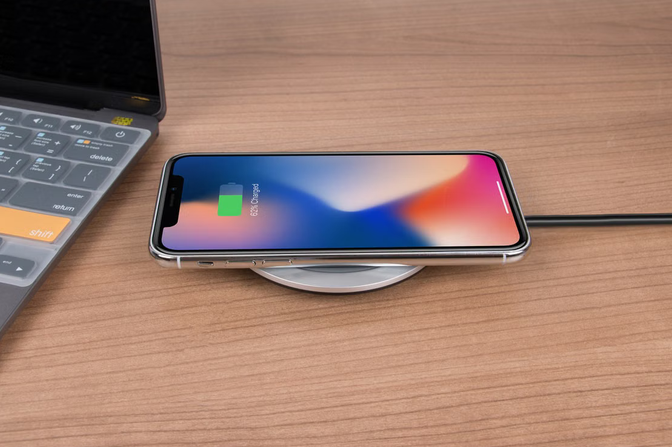
Using a personal wall adapter with a trusted power outlet is generally simpler than connecting a phone directly to an unknown USB port. A power bank can provide an alternative when an outlet is unavailable. Quality matters as well. Poorly made chargers can create electrical hazards, while untrusted accessories may raise additional security questions. Buying from established manufacturers and reputable sellers makes products easier to verify and support. A charging cable should not be treated as harmless because it lacks obvious electronics. USB cables can have different capabilities, and some include circuitry that supports specific functions. Choosing known cables from reliable sources reduces uncertainty.
Protecting Devices During Charging
Device settings can provide another layer of protection. When connecting a phone to unfamiliar equipment, pay attention to prompts asking whether to trust a computer, allow data access, or enable file transfer. Do not approve requests simply to make charging work. A strong passcode can limit access when a device is connected. Biometric authentication can add convenience, but a secure passcode remains an important foundation. Software updates are equally valuable. Manufacturers frequently patch security weaknesses involving device connectivity. Updating phones, tablets, laptops, and other connected equipment helps close known security gaps.
Avoiding Convenience-Based Mistakes
Security problems can begin with ordinary decisions. Someone may borrow a cable without checking where it came from or use a public charging port because the battery is nearly empty. A low battery can make a small risk seem unimportant. A safer approach is to prepare before the battery becomes critical. Carrying a trusted cable, compatible adapter, or charged power bank can reduce dependence on unfamiliar charging equipment. Separating electrical charging from data connections can also help. If a device supports a power-only accessory or data-blocking solution from a reputable manufacturer, that can reduce unnecessary data communication. Compatibility and product quality should still be checked.
Understanding The Bigger Security Picture
Charging accessories are not inherently dangerous. The concern comes from modern connections and potentially compromised hardware. The same USB standard can create pathways for communication. Good security does not require avoiding every public charger. It means understanding what is connected to your device and what permissions that connection receives. Using trusted accessories, keeping software current, watching connection prompts, and carrying backup charging options can reduce avoidable exposure.
As phones and other gadgets become more capable, charging equipment is becoming part of the digital environment around us in daily life. A cable may appear to be a simple power tool, but the connection behind it can involve data, software, and device permissions. Treating charging accessories with reasonable caution is therefore a practical part of everyday …

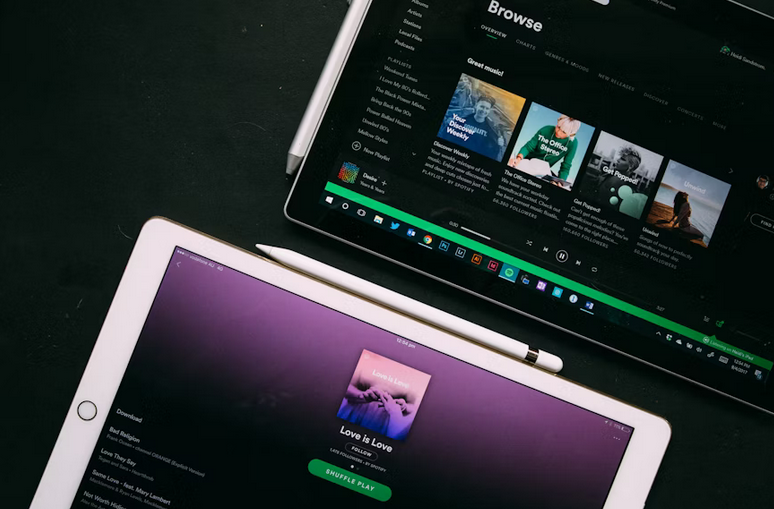

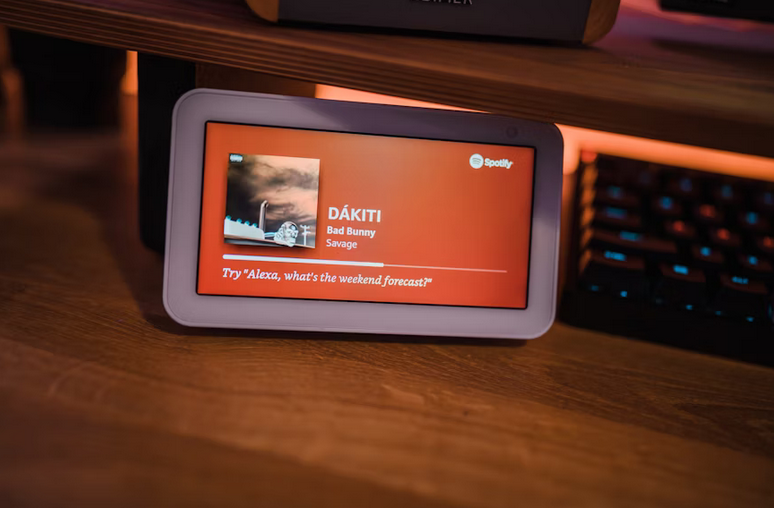

 Virtual instruments are software-based tools that mimic traditional instruments or generate entirely new sounds. Unlike physical instruments, they exist purely in the digital realm. Musicians can play them using a keyboard, a MIDI controller, or even a computer interface. They range from realistic orchestral sounds to experimental textures. This versatility ensures that modern producers can explore sonic landscapes that were once impossible.









 Before buying technology, check to see if it’s compatible with other devices or systems you may have. For example, if you want to pair a Bluetooth speaker with your phone, ensure it’s compatible with both. If you want technology that requires an operating system, make sure the technology works with the version of that OS installed on your device.
 The first thing you will need to look at when choosing an online booking software is its features. Each online booking software will have features unique to that specific software but may also offer many of the same features as other online booking software. Some features offered by online
 Most gamers can agree that gaming can be an expensive hobby, especially if you are willing to buy the latest gaming tech and consoles on the market. You should be ready to spend lots of cash if you would like to significantly improve your gaming experience through different tech gadgets like controllers.
 The second important factor you should consider before selecting any VR headset is the approval ratings. It is essential to point out that some VR headsets will not be good as they claim. As you will most likely spend a significant amount of your hard-earned money, you need to ensure that you select an ideal VR headset.
 The last factor you should consider before making a purchase is the brand. With some online research, you will learn that numerous brands are selling VR headsets. Each brand will have qualities that make them unique.
 The first on the list is BlocksCAD. This software is meant for educational purposes, and it is very user-friendly. Even if you are new to CAD, you will be able to use this software with ease. BlocksCAD has a very intuitive interface which makes it easy to use. One of the best features of this software is that it comes with a library of pre-made shapes. This means that you can quickly create objects without starting from scratch. BlocksCAD is also great for collaborating with others as it has a built-in chat feature. With only $7.50 per year for students, this software is available for free, and it runs on Windows, macOS, and Linux.
 Last but not least, we have TinkerCAD. Autodesk owns this software, and it is one of the most popular CAD